Android Bridge Settings
The Android bridge connects the watchapp to Locus and reports whether each part of that connection is working.
Refresh Mode
Refresh mode controls how often the bridge asks Locus for updated recording information.
Adaptive sends an immediate update when the watchapp opens or a command is used. It checks every two seconds for the first 15 seconds, then every ten seconds to reduce battery use.
Every 5 seconds provides consistently frequent updates.
Every 10 seconds reduces update frequency and battery use.
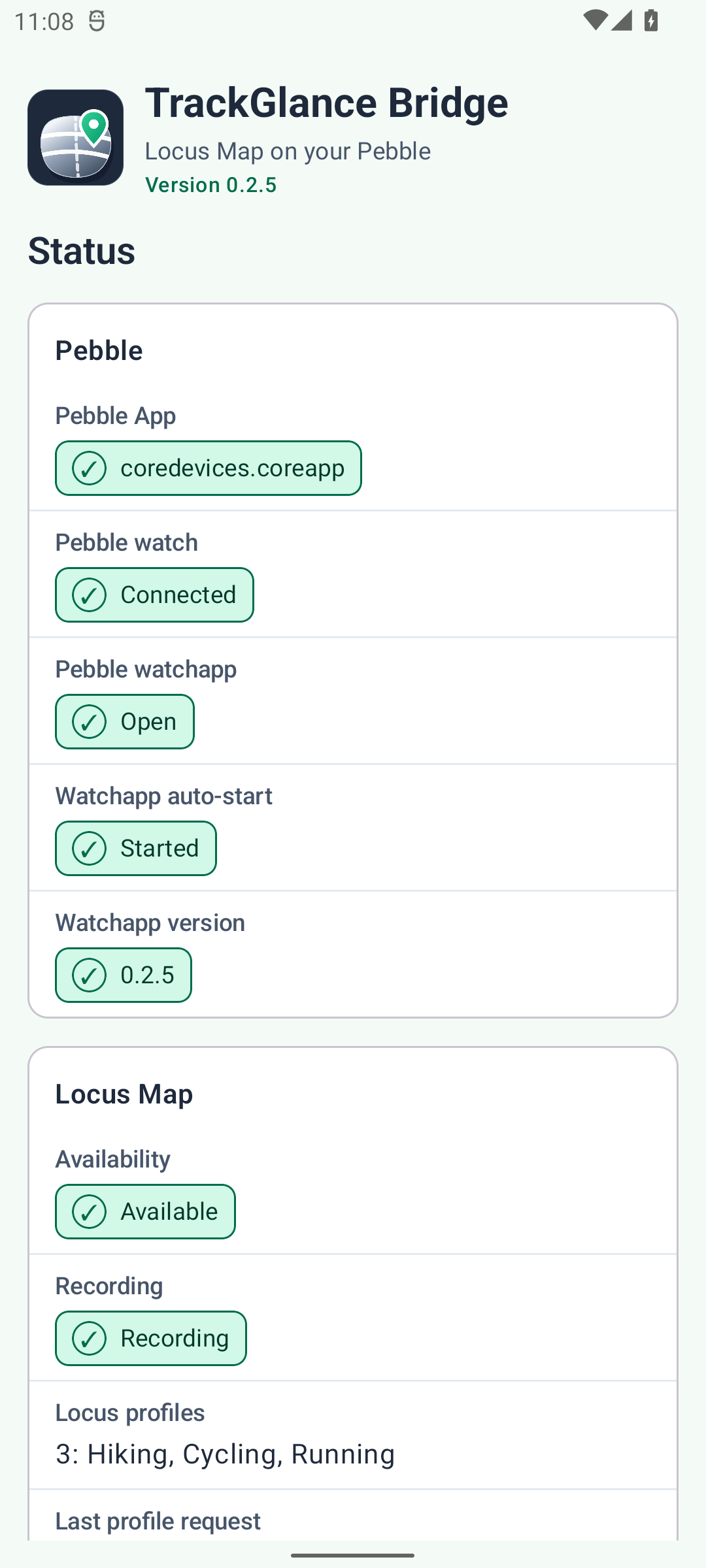
Connection Status and Troubleshooting
The main screen reports the Pebble App connection, Pebble watch connection, Locus availability,
recording state, active Locus profile, current heart rate, and recent bridge errors. Use this page
first when the watch does not leave the stopped screen, reports Locus unavailable, or remains on
Preparing profile....
Heart-rate status
The Heart rate card distinguishes the latest value received from Locus, the latest sample received from the watch, and the last time a watch sample was forwarded. See Heart rate for the two data directions and General settings for Pebble Time 2 forwarding controls.
Watch appearance, activity pages, metrics, and heart-rate forwarding are documented separately in the User Guide.
Units are configured in Locus Map, not on this screen. The bridge reads Locus’s distance, altitude, speed, slope, and energy preferences and sends already converted, Locus-style compact values to the watch. A preference change appears within about 60 seconds while the bridge is active.